Are Windows local privilege escalation vulnerabilities still a big risk for businesses?
Yes. According to public security research, Microsoft security advisories, and ongoing investigations into enterprise incidents, Windows local privilege escalation vulnerabilities are still one of the most reliable ways for attackers to go from having a low-level foothold to having full control of a system.
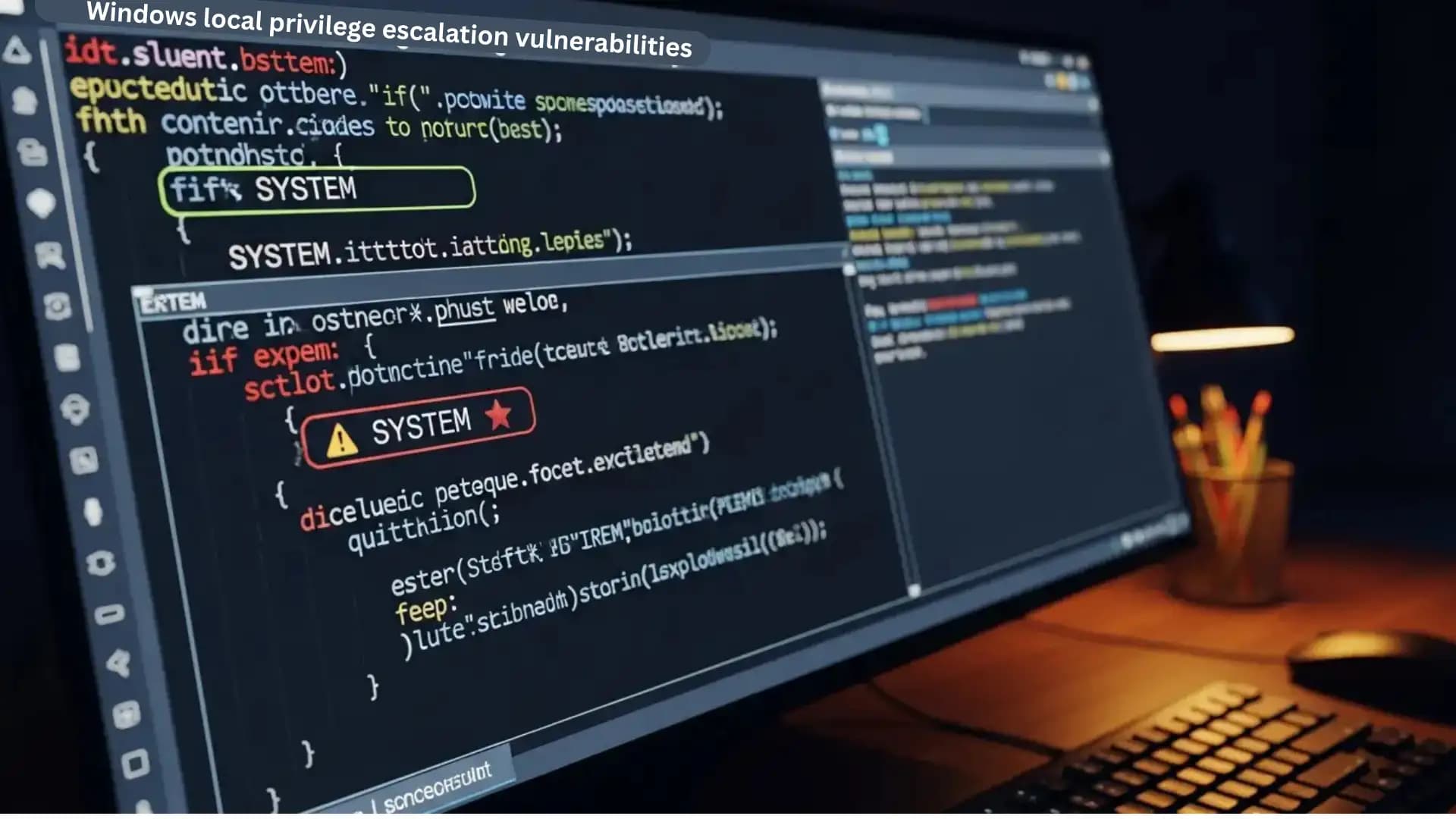
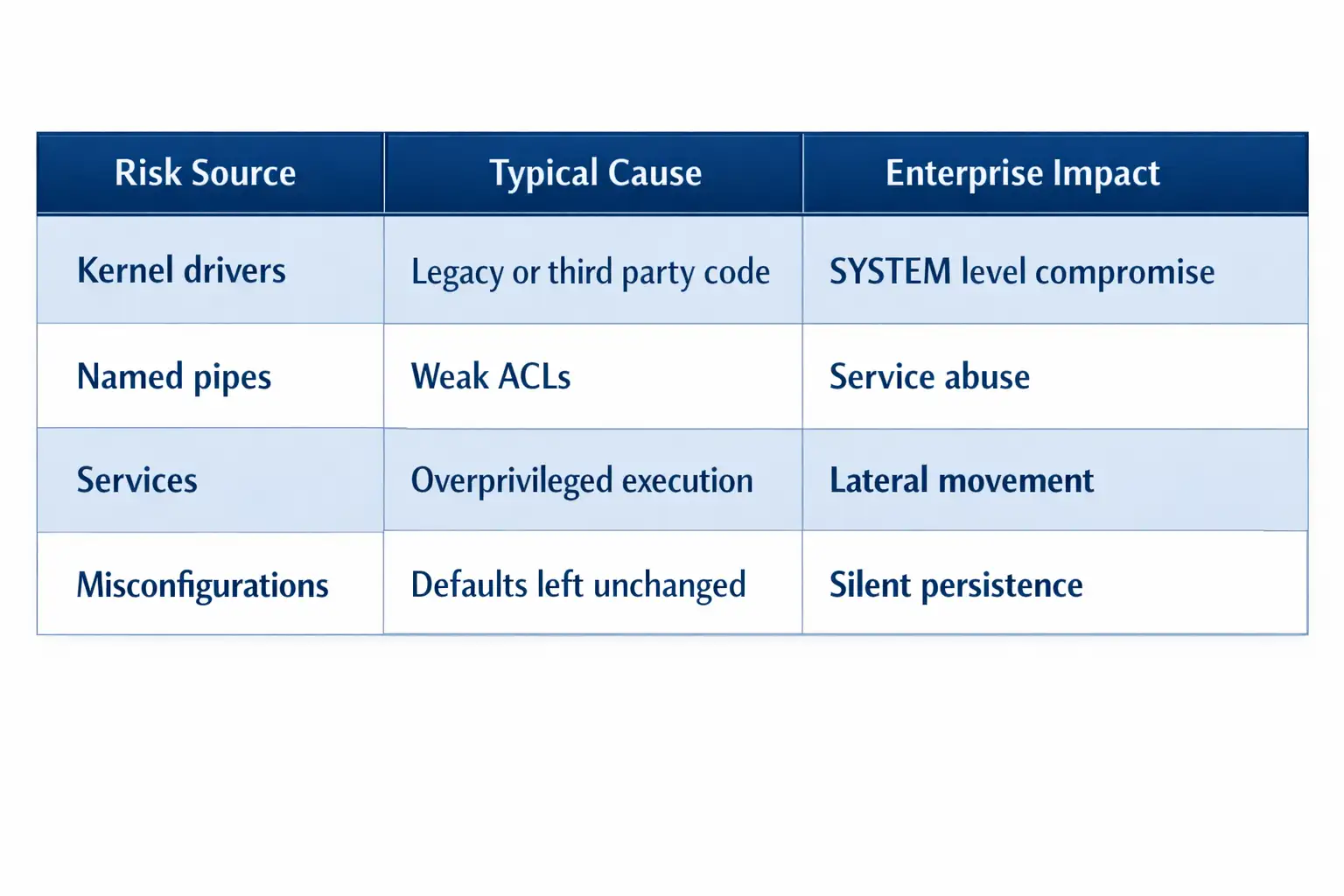
There are more and more Windows privilege escalation attacks, and kernel drivers and named pipes are the main targets. Weak validation and too many permissions let attackers get SYSTEM-level access, which shows how important it is to have stricter driver checks and secure pipe permissions.
Windows local privilege escalation vulnerabilities aren't very interesting. There aren't always zero-day exploits or big ransomware headlines. But they are behind a lot of real-world breaches that happen.
Most of the time, attackers don't break into businesses as administrators. They begin small. An email that tries to trick you into giving out personal information. A password that was stolen. A user account that has been hacked. They then look for ways to get ahead.
This is where Windows local privilege escalation flaws come into play.
Over the years, kernel drivers and named pipes have been found to be weak spots over and over again. Not because Windows is bad, but because complicated systems depend on trust, setup, and guesses. Attackers are very good at figuring out where those assumptions go wrong.
This article is mostly about risk analysis, detection, mitigation, and assessment. It doesn't make claims about exploits that haven't been proven, and it sticks to what can be proven through documented behavior and patterns of real incidents.
This is a very important topic if you are in charge of Windows security for your company.
What Are Windows Local Privilege Escalation Weaknesses?
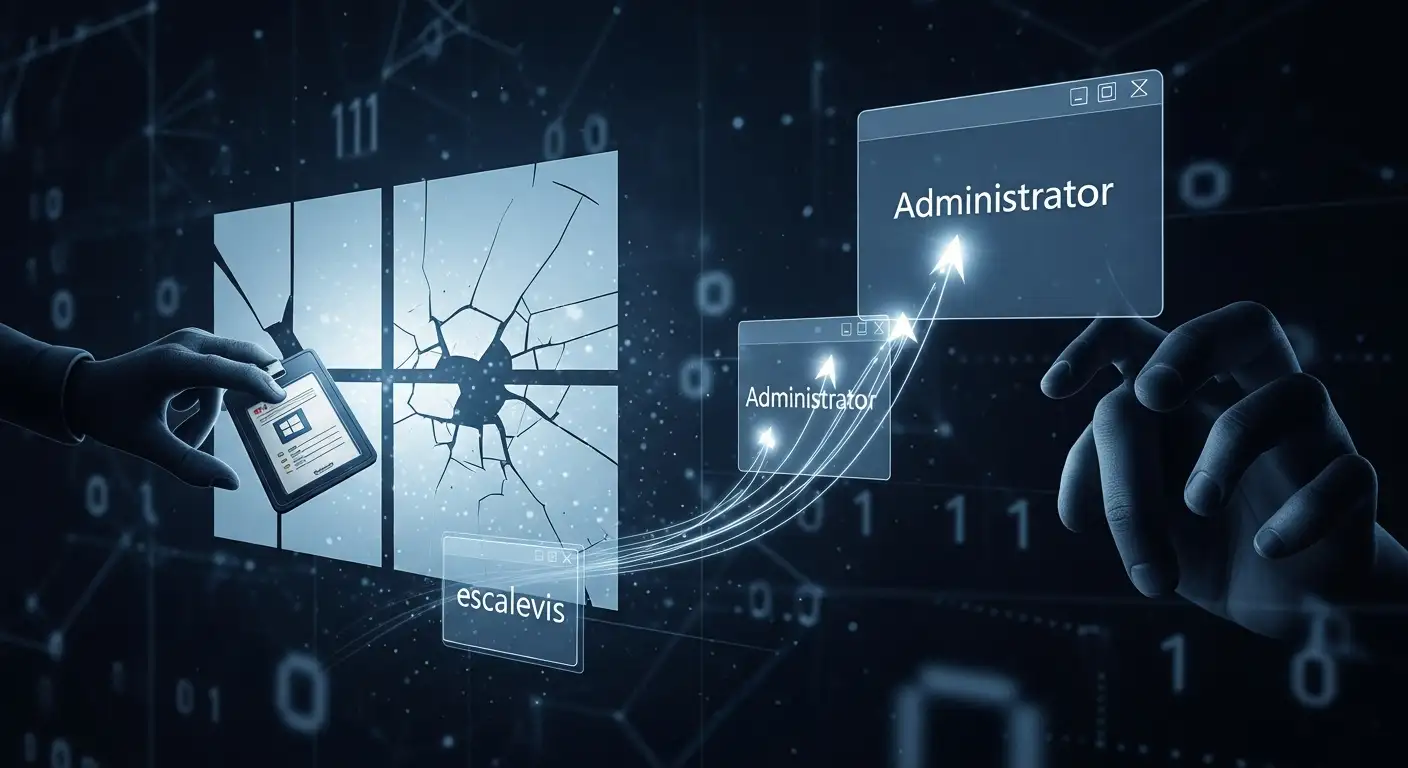
Windows local privilege escalation vulnerabilities happen when a user or process with limited permissions can get more privileges than they should.
This usually means going from a regular user account to a local administrator or SYSTEM account.
Once you have SYSTEM access, you own the system. You can turn off security tools. You can dump credentials. You can quietly build up persistence.
Analysis of public incidents shows that Windows local privilege escalation vulnerabilities are not often the first step in an attack. They are the step that changes access into control.
Why Privilege Escalation Is More Important Than Initial Access
A lot of companies put a lot of effort into perimeter defenses. Firewalls. Safety for email. Finding the endpoint.
Those controls are important. But once an attacker gets in, privilege escalation decides how far the incident goes.
There are limits to a standard user account. A SYSTEM process does not.
Based on my experience reading enterprise incident reports, attacks that fail often do so because privilege escalation didn't work. Most of the time, attacks that work do so because they did.
This is why CISOs are very worried about Windows local privilege escalation vulnerabilities, even when there isn't a zero-day.
A Simple Explanation of the Windows Kernel Trust Model
The Windows kernel is what makes the operating system work. It takes care of memory, hardware access, and security limits.
Kernel-mode code is the most trusted type of code. Code in user mode does not.
Kernel drivers work in this safe space. They are strong on purpose. They also make the attack surface bigger.
If a driver doesn't handle input correctly, doesn't enforce access controls, or exposes privileged functions in the wrong way, a low-privilege user might be able to abuse it.
This is not just a theory. Microsoft fixes kernel driver problems regularly because they are hard to get right on a large scale.
Risks to Kernel Driver Security in Windows Environments
There are usually a few types of kernel driver security risks in Windows environments.
One common problem is not checking user input enough. A driver that accepts data from user mode without strict checks could let memory corruption or arbitrary code execution happen in kernel space.
Another problem is that devices can be accessed too easily. Some drivers make device objects available to all users, even when that access should be limited.
Drivers from other companies are often involved. Sellers of hardware. Old software. Tools for endpoints. These drivers might not use modern secure coding methods.
Based on public reports of vulnerabilities, kernel drivers are still a common way for Windows users to get more access to their own computers.
Named Pipes and Why They Are Important for Privilege Escalation
Named pipes are a real way for Windows processes to talk to each other. They let processes send and receive data over the network or on the same computer.
The issue isn't with named pipes. The problem is that the settings are wrong.
If you make a named pipe with weak access control lists, a low-privilege user might be able to connect to a high-privilege service.
If that service trusts input from the pipe without checking it, it could let someone get more access.
Named pipe security holes in Windows often come from old services, custom business apps, or poorly reviewed internal tools.
Basic vulnerability scans don't usually find these problems.
The Real-World Pattern of Windows LPE Abuse
There is a pattern that can be seen in public reporting and incident response case studies.
Phishing, reusing credentials, or exposing services are ways for attackers to get in at first.
They list the services and privileges that are available in the area.
They look for weak permissions in kernel drivers and named pipes.
They take advantage of misconfigurations instead of new vulnerabilities.
This pattern shows why Windows local privilege escalation vulnerabilities are still a problem even when patches are up to date.
Why Most LPE Problems Are Caused by Configuration
Not all Windows local privilege escalation vulnerabilities are caused by missing patches.
A lot of them have to do with how software is set up and installed.
Over time, enterprise environments collect drivers. Old computer parts. Old tools. Fixes that were meant to be temporary but ended up being permanent.
Custom services often make named pipes with default permissions that no one checks again.
This makes things risky without anyone knowing.
From a security point of view, configuration-based LPE problems are often worse than known CVEs because they don't show up in standard vulnerability feeds.
How hackers find ways to get more access
Hackers don't guess. They count.
They show a list of installed drivers.
They check the permissions of the device.
They look at the settings for services.
They check to see if named pipe access works.
There are a lot of tools for this activity, and they aren't bad by nature. A lot of penetration testers use them to check for Windows LPE vulnerabilities.
This is why it's not realistic to think that attackers won't find these problems.
Risks of Windows Endpoint Privilege Escalation for Businesses
Enterprise endpoints are good targets because they let users in and give them access to important information.
Once an attacker gets more access to one endpoint, it is easier for them to move around.
Stored credentials. Tokens. Tickets for Kerberos.
The risks of Windows endpoint privilege escalation are higher in places where local admin passwords are shared or where segmentation is weak.
If privilege escalation isn't stopped, one compromised endpoint can have an effect on the whole domain.
Problems with finding the kernel and named pipe abuse
Finding Windows local privilege escalation vulnerabilities that are being used is hard.
The kernel is making noise.
It's common to use named pipes to talk to each other.
A lot of legal tools work with drivers and pipes.
Some endpoint detection platforms may keep track of activity but not mark it as harmful.
This is why proactive assessment is more important than reactive detection for this kind of risk.
A Guide to Windows LPE Vulnerability Assessment
A Windows LPE vulnerability assessment looks for ways to get from low-level access to high-level access.
It includes checking the installed drivers, looking at the permissions, checking the named pipe settings, and testing how well the access control works.
This is not the same as a regular vulnerability scan.
Not just in theory, but also in practice, you need to know how Windows access control works.
When companies look for a Windows privilege escalation assessment service, they usually want to know one thing.
Could an attacker get admin access to our systems without using a zero-day exploit?
Weaknesses in the kernel driver risk analysis in the real world
Analyzing the risk of a kernel driver vulnerability requires both a technical review and a look at the situation.
A driver that is vulnerable on a kiosk system is not the same risk as the same driver on a laptop used by executives that is connected to a domain.
Risk analysis looks at exposure, privilege boundaries, and what attackers want.
Not every flaw in a driver can be used. Not every misconfiguration can be reached.
This is why realistic attack paths are more important than hype in credible assessments.
Audit of Named Pipe Security Misconfiguration
An audit of named pipe security checks how pipes are made, who can use them, and which services trust input from them.
It often brings to light problems that have been there for years without anyone noticing.
Based on what I've seen, these results surprise teams because they think the services involved are low risk.
Attackers don't think that way.
Ways to Stop Windows Privilege Escalation
Visibility is the first step in mitigation.
Companies should make a list of their kernel drivers and get rid of the ones they don't need.
Where possible, driver signing enforcement should be turned on.
You should check the named pipe permissions for both new and old services.
There should always be rules about least privilege.
There is no one way to stop Windows privilege escalation. It is a discipline.
Hardening Windows Systems for Endpoint Security
To make endpoint security stronger, you can turn off services that aren't needed, make the attack surface smaller, and keep an eye on changes in privileges.
It also means putting ideas to the test.
If a service runs as SYSTEM, ask why.
If a driver shows an interface, ask who needs to use it.
These questions stop Windows local privilege escalation vulnerabilities from turning into problems.
Why Buyers Look for These Things
Buyer intent can be seen in search terms like "Windows LPE mitigation for enterprises" or "endpoint security audit Windows kernel."
Security leaders don't want proof of concepts that can't be exploited.
They want to be sure.
They want to know for sure that their environments are not being exposed without their knowledge.
They want facts, not fear.
Dealing with false information and claims that haven't been checked
Some claims on the internet make Windows LPE activity sound worse than it is or suggest that there are a lot of unpatched zero days.
Based on the data we have, many of the reported cases have patterns and misconfigurations that are already known.
Be careful with information that can't be verified on its own.
Responsible security communication doesn't spread unproven exploit claims.
Windows Local Privilege Escalation Weaknesses in Context
Windows local privilege escalation vulnerabilities do not indicate a deficiency in Windows.
They are a fact of life for big systems that run a lot of different software.
Understanding them is a sign of being grown up, not scared.
Businesses that look at, keep an eye on, and lower these risks make it less likely that intrusions will happen.
What you can do
This is the one thing you should remember.
Getting in for the first time is common. Privilege escalation determines the effect.
One of the best security choices a business can make is to spend money on Windows LPE assessment and mitigation.
Questions and Answers
What does it mean to have local privilege escalation in Windows?
When a user or process gets more permissions than they should, they usually get access to the administrator or SYSTEM level.
Are kernel drivers a security threat in Windows?
Yes, public reports of security holes show that kernel drivers are a common source of privilege escalation risk when they are not well designed or set up.
Can Windows take advantage of named pipes?
Yes, if named pipes are made with weak access controls and trusted by services with special permissions.
How can businesses stop Windows privilege escalation?
Through driver inventory, configuration audits, enforcing the least privilege, and regular assessments of Windows LPE vulnerabilities.
Last Thought
It's not about chasing every new headline when it comes to Windows security.
It's about knowing how attackers really move.
Windows local privilege escalation vulnerabilities are quietly waiting in the middle of that trip.
The teams that deal with them early don't usually make the news. And that's the point.